
Make an online review figure from an evidence map
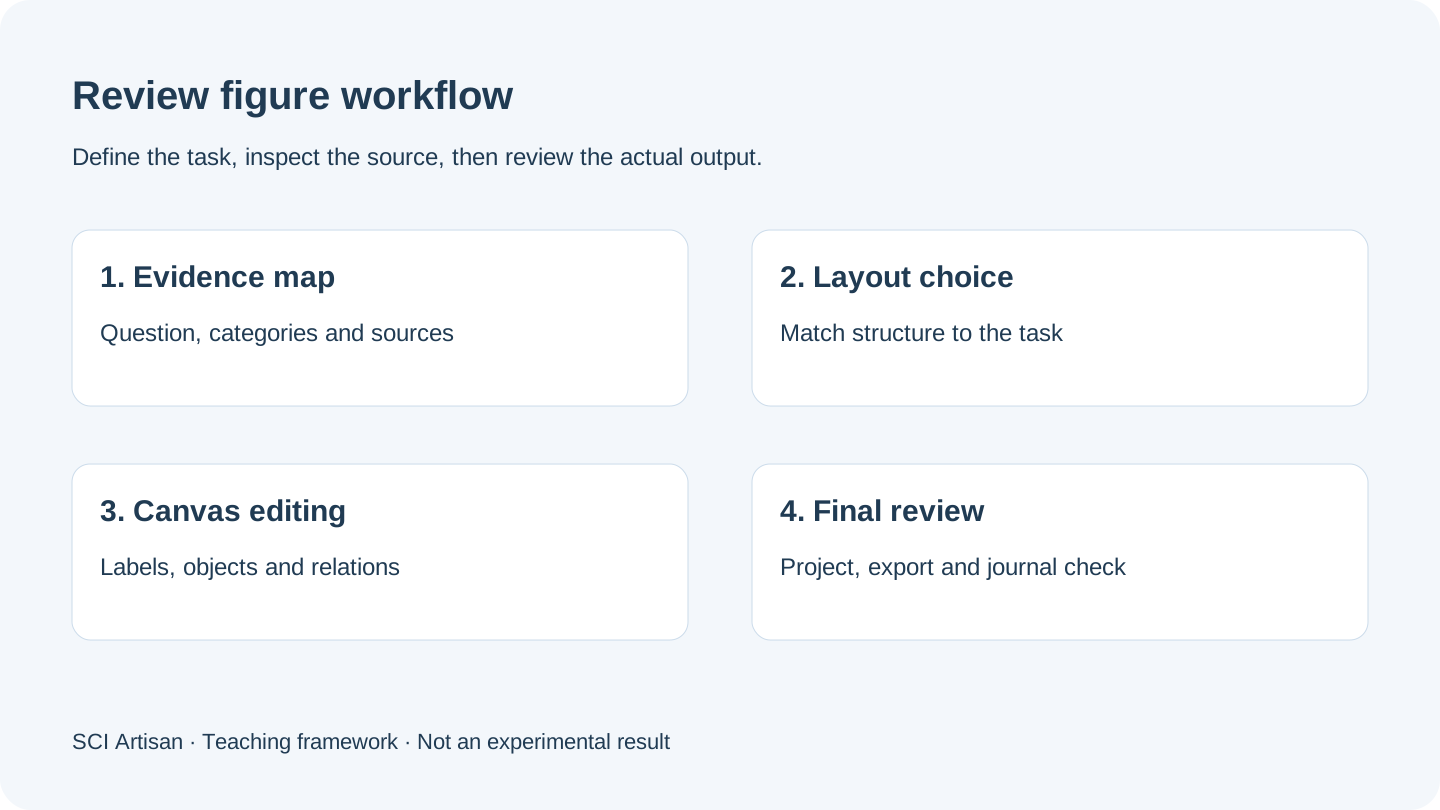
Define the categories and their evidence first. Then choose a layout, edit the labels and relationships, and inspect the saved project and exported figure as separate deliverables.
Use four evidence fields before drawing
Create a working table with four fields: the item, its category, the relationship you want to show, and the source supporting that relationship. This is a preparation method, not a required software import format. It makes inconsistent categories visible before they become colored segments.
For example, fabrication methods, material properties and applications answer different questions. Putting all three into one ring can imply that they are equivalent categories. Separate layers or panels may explain the hierarchy more accurately. Keep the evidence table outside the artwork so that a co-author can review the scientific organization independently.
Choose between a circle, matrix and panels
| Layout | Information task | Check before committing |
|---|---|---|
| Circular or semicircular | A central topic with related categories | Are sibling categories comparable? |
| Matrix | The same criteria applied to several items | Can each row and column be named consistently? |
| Separate panels | Different information levels or successive questions | Is the reading order explicit? |
The PDMS case note uses a semicircular archive to discuss membrane layers, design strategies and applications. It is a composition example, not a platform-generated result or a new claim about membrane performance.
Edit one layer at a time
Start with the information skeleton. Replace category names and remove unused sections before selecting decorative assets. Next, arrange the objects and connectors. Finally, assign colors, label hierarchy and spacing. These three passes separate content, relationships and presentation.
The existing product offers review-figure editing and templates. Its international deployment is still being prepared, so this preview does not send you into a China account or promise that an overseas template catalog is already available. Read the platform scope for the region boundary.
Treat color as a role, not as the only explanation
Use a consistent role for each category and supplement color with labels, boundaries or line styles. A reader should still identify the groups when the figure is reduced or printed without color. Avoid using an unlabelled gradient for a numerical quantity unless the scale and data basis are defined.
Keep user-written scientific terms unchanged when switching interface languages. A translated menu is not a reason to rewrite gene names, chemical formulas, source citations or study terminology inside the artwork.
Save a project and inspect a separate export
Keep the editable source project, an exported figure and the source-evidence table. These are three different records. A successful save does not prove an export is complete, and an image opening in a slide application does not establish that all of its contents are editable.
Open the exported file and check the intended final size, readable labels, missing glyphs, clipping and connector meaning. Read the target journal's current instructions for dimensions, color and file type; no single setting applies to every journal.
Use a five-item final check
- Each category has a stated question and evidence basis.
- Arrows and line styles have one defined meaning.
- Labels remain legible at the final publication size.
- Sources and material permissions can be traced.
- The source project matches the delivered export.
When the figure needs a designer to reorganize the narrative or prepare publication files, use a separate illustration commission. Describe the figure task in a non-confidential brief rather than sending unpublished files in the first message.
Frequently asked questions
How do I start an online review figure without a design background?
List the central question, peer-level categories and supporting sources. Test the structure with placeholder labels before editing a full template.
When is a circular review figure better than a matrix?
A circular layout can organize related categories around one topic. A matrix suits repeated comparisons across shared criteria. Choose by the information relationship, not the outline alone.
Can an editable review template become my paper figure without further checks?
No. Replace placeholders, verify literature relationships, inspect permissions and check the journal requirements. A template provides a layout, not scientific evidence.
Will exporting a review figure to PPTX preserve every editable object?
Not necessarily. Inspect the actual exported file. Keep the source project and distinguish editable text or shapes from embedded images and 3D views.
Sources and scope
Sources apply within their stated scope. Archive records describe existing work; international account access and checkout remain closed.
Choose the next step
Understand the platform · Scope a design commission · Contact support