
Arrange a paper figure without losing its reading order
Decide what each panel answers, then use the layout workflow to set arrangement, dimensions and styling. Check labels, image crops and the exported file at the intended publication size.
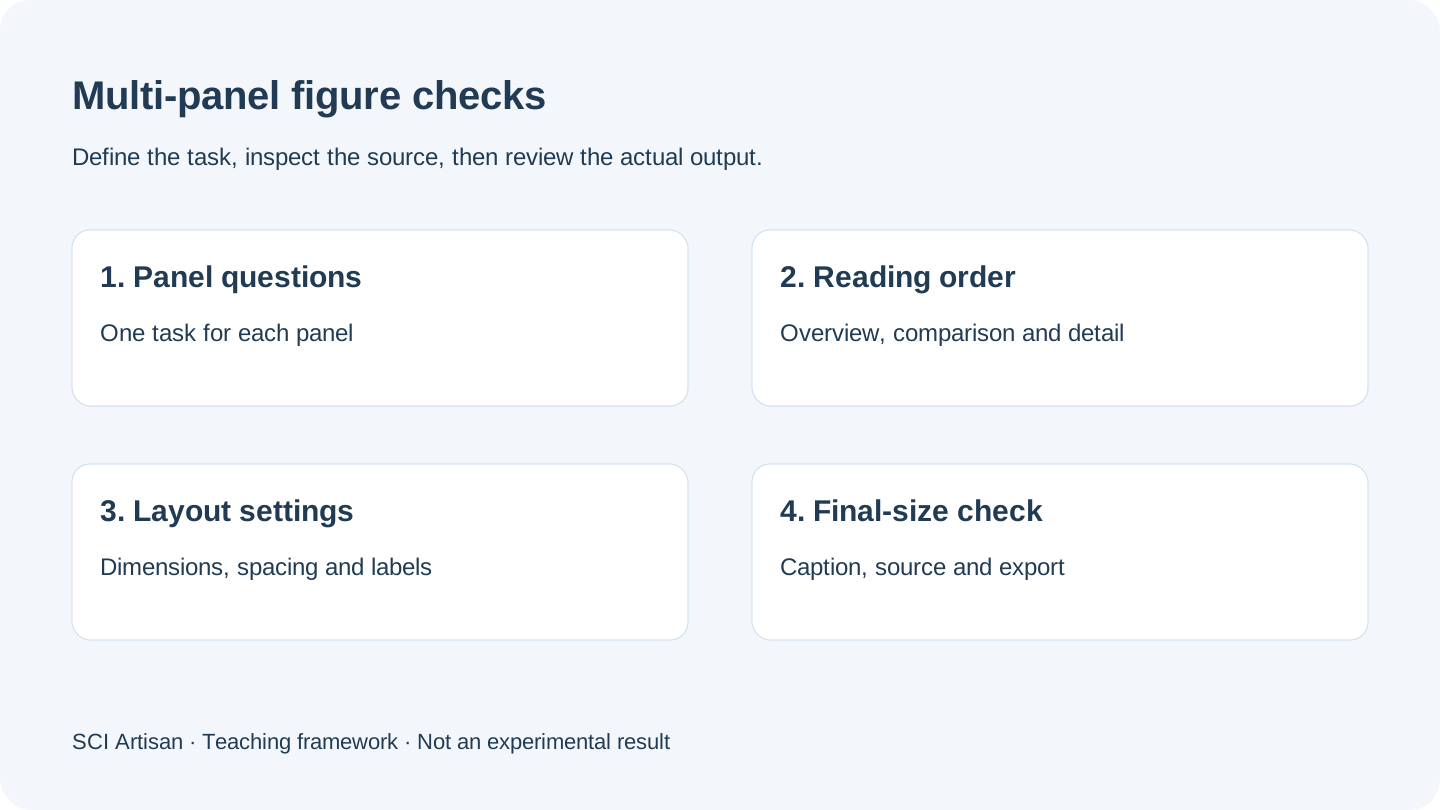
Assign a question to each panel
For a four-panel practice figure, panel A might introduce the system, B and C show two comparisons, and D identify a detail. These are teaching roles, not experimental results. Write the question for each panel before dropping images into equal boxes.
This prevents a common layout problem: every panel looks balanced, but the reader cannot tell why it is present. Remove a redundant panel or separate the figure when two panels answer unrelated questions. Keep the evidence needed for a claim rather than choosing panels solely for appearance.
Read the three-stage layout workflow as preparation
The product's figure-layout workflow separates arrangement, journal or size choice, and styling. These stages prepare the working canvas; they do not independently verify journal compliance.
| Stage | Decision | Independent check |
|---|---|---|
| Arrangement | Order and relative panel space | Does the sequence explain the paper's point? |
| Journal and dimensions | Intended figure size | Are the publisher's instructions current? |
| Styling | Labels, gaps and appearance | Is the final-size export readable? |
Nature's panel guide provides publisher guidance on constructing and exporting panels. Treat any publisher-specific dimensions or font instructions as limited to the relevant guidance rather than applying one preset to all journals.
Use shared anchors instead of identical panel shapes
Align panel edges, labels and repeated baselines where they support comparison. A wide overview and a compact detail may need different shapes. In the apple-pectin case note, three process routes provide an example of comparing equivalent stages without forcing every object into the same box.
The archive is a real project reference, not a claim that the original figure was assembled in SCI Artisan. Retain the source attribution and read the paper before interpreting the process results.
Coordinate labels, captions and image crops
Keep a label map matching each panel to the relevant caption statement. Check the sequence after moving, inserting or removing a panel. A layout change can leave the artwork and caption out of sync even if all images still display correctly.
Preserve original images and record meaningful crops. A crop should not remove information needed for an honest comparison. Consult the target publisher's image-integrity policy for the treatment of adjustments, composites and acquisition information. Layout software cannot determine whether a selected field is scientifically representative.
Inspect the figure at its final size
An exported figure can look acceptable when enlarged on a monitor and still have unreadable axis text at its publication size. Open the actual output, set the intended physical size and check panel identifiers, axes, units, legends, line weights and glyphs.
Do not judge output quality only from a canvas preview or filename extension. Compare the working project with the exported result. A structural image or photograph may remain raster content inside an otherwise vector document.
Finish with a five-part handoff
Keep the source images, editable project, exported file, panel-to-caption map and the applicable journal instructions. These five items help a co-author review the result and make later revisions without reconstructing the process.
For a local image detail, use the inset guide instead of assuming that enlarging a region recovers new information. If the figure needs redrawing or narrative work, discuss a separate design commission.
Frequently asked questions
Can I arrange scientific figure panels without graphic design experience?
Start with panel questions and a reading order. Use a layout preset as a scaffold, then check labels, crops and final dimensions. The scientific review remains the author’s responsibility.
Must a four-panel scientific figure use an equal two-by-two grid?
No. Allocate space by the information and label requirements. An overview or wide plot may need a different panel shape from a detail view.
Does selecting a journal preset guarantee submission compliance?
No. Presets help initialize layout choices. Check the journal’s current instructions, the actual exported file, the caption and material permissions.
How can I check panel labels after exporting a scientific figure?
Open the delivered file at its intended final size. Compare every panel label with its caption reference and verify that glyphs, spacing and cropped content remain intact.
Sources and scope
Sources apply within their stated scope. Archive records describe existing work; international account access and checkout remain closed.
Choose the next step
Understand the platform · Scope a design commission · Contact support