
Show an image detail without changing what it proves
An inset links a selected region to a larger view. Check the source region, displayed content, connector and calibration; enlargement does not recover detail that the original image did not record.
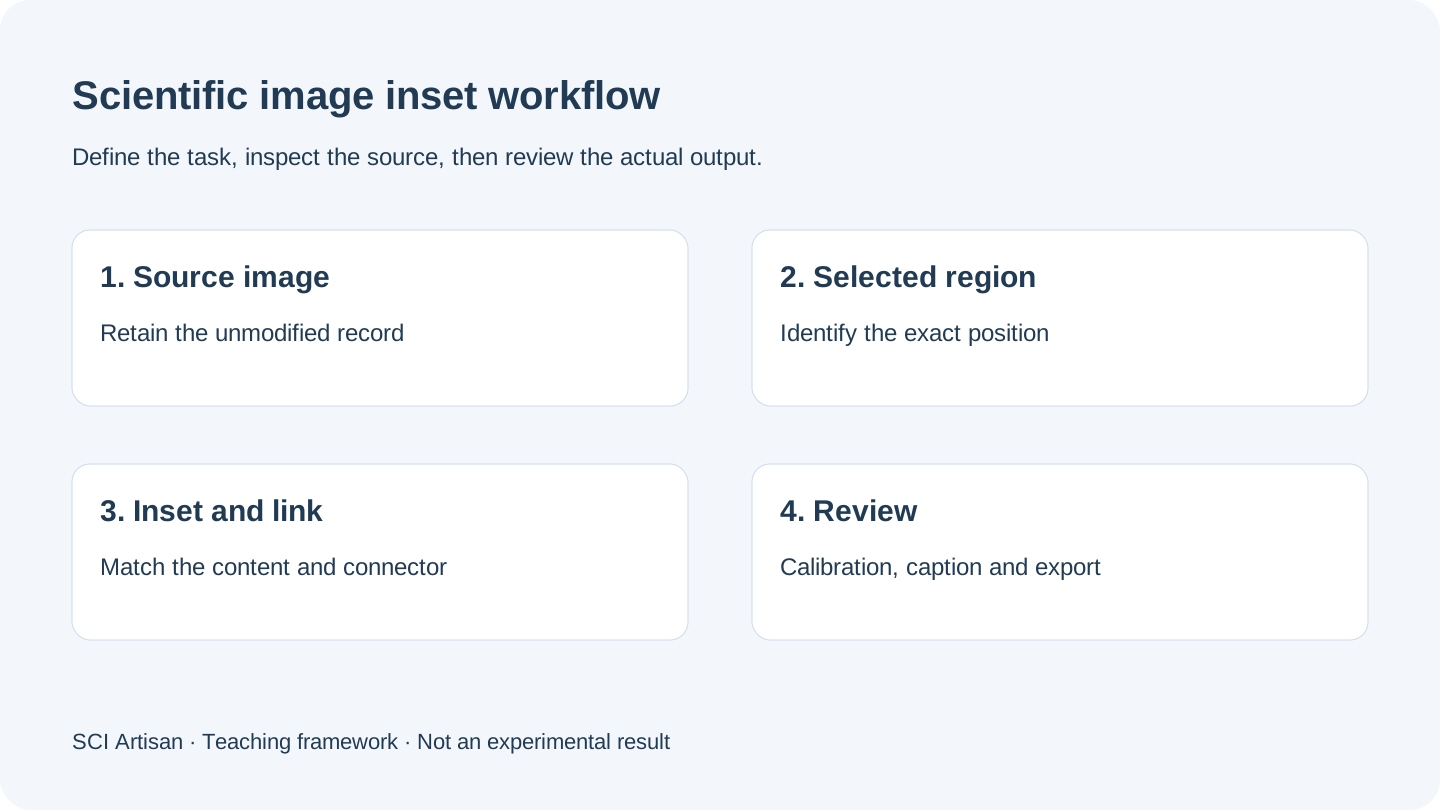
Keep three linked elements consistent
A scientific inset has three visual elements: the source-region marker, the enlarged view and the connector between them. Check the exact selected region rather than linking two images that merely look similar. This three-element relationship is the basis of the method, not a claim about increased image resolution.
If an inset shows a different field, time point or condition, identify that difference explicitly rather than presenting it as a crop from the overview. Preserve the original source image and the acquisition context required by the journal.
Distinguish enlargement, inset display and super-resolution
| Operation | What changes | What it does not establish |
|---|---|---|
| Resize the whole image | Display size of the entire image | Additional measured detail |
| Create an inset | A selected region is shown separately | New information outside the recorded pixels |
| Apply super-resolution processing | Pixels may be estimated by a separate method | Independent experimental evidence |
The SCI Artisan article concerns selection, inset frames and connectors. It does not promise super-resolution, automated interpretation or recovery of unrecorded experimental detail.
Check the crop before decorating the frame
Choose the region needed to answer the figure's question. Confirm that its position, orientation and content match the source. Then choose an inset position that does not obscure relevant information in the overview. Place the connector so it identifies the relationship without crossing unrelated labels or implying another process.
Keep the region marker and inset boundary distinguishable. When the diagram already uses arrows for a mechanism, ensure that an inset connector cannot be mistaken for a process arrow. The mechanism-design guide explains why different line roles need different meanings.
Treat the scale bar as a separate check
A display factor such as two-times magnification is a relationship between drawn sizes. It is not the real-world size of an object. A valid physical scale requires information connecting the original image pixels to the measured specimen.
Recheck a scale bar after resizing, cropping, replacing the source or moving between export formats. Do not add a numerical scale from appearance alone. Publisher image-integrity instructions should guide any image adjustment or composite presentation.
Verify two records after a source change
Check both the editable project and a newly exported file. A valid relationship in the editor can still be lost through clipping, missing image assets, unexpected resizing or font substitution in the output. Compare the source marker and inset side by side in the delivered file.
For a multi-panel figure, also compare the inset label with the caption and the main panel identifier. The beginner layout guide covers those caption and final-size checks.
Use a final five-question review
- Does the selected location correspond to the enlarged content?
- Is the source image preserved and traceable?
- Does the connector mean only an inset relationship?
- Is any physical scale based on calibration information?
- Do the saved project, caption and actual export still agree?
Use platform information to distinguish current product workflows from the overseas service still in preparation. For a figure needing redrawing or a reviewed illustration brief, contact the design team separately.
Frequently asked questions
Does the smart inset tool turn a blurred scientific image into a sharp one?
No. This workflow selects and displays a region with a connector. It is not super-resolution processing and cannot recover evidence missing from the original image.
What is the difference between an image selection box and an inset frame?
The selection box identifies the source location; the inset frame displays that region. A connector describes their relationship and must match the actual content.
Can I infer an experimental scale from a label saying two-times magnification?
No. Display magnification is not a physical calibration. Use acquisition and calibration information, and verify the scale bar after resizing the figure.
Must I recheck an inset after replacing or cropping the source image?
Yes. Check the selected location, displayed pixels, connector, scale and caption again. Then save and inspect a new export rather than relying on the old relationship.
Sources and scope
Sources apply within their stated scope. Archive records describe existing work; international account access and checkout remain closed.
Choose the next step
Understand the platform · Scope a design commission · Contact support